

What Is a Website Security Grade?
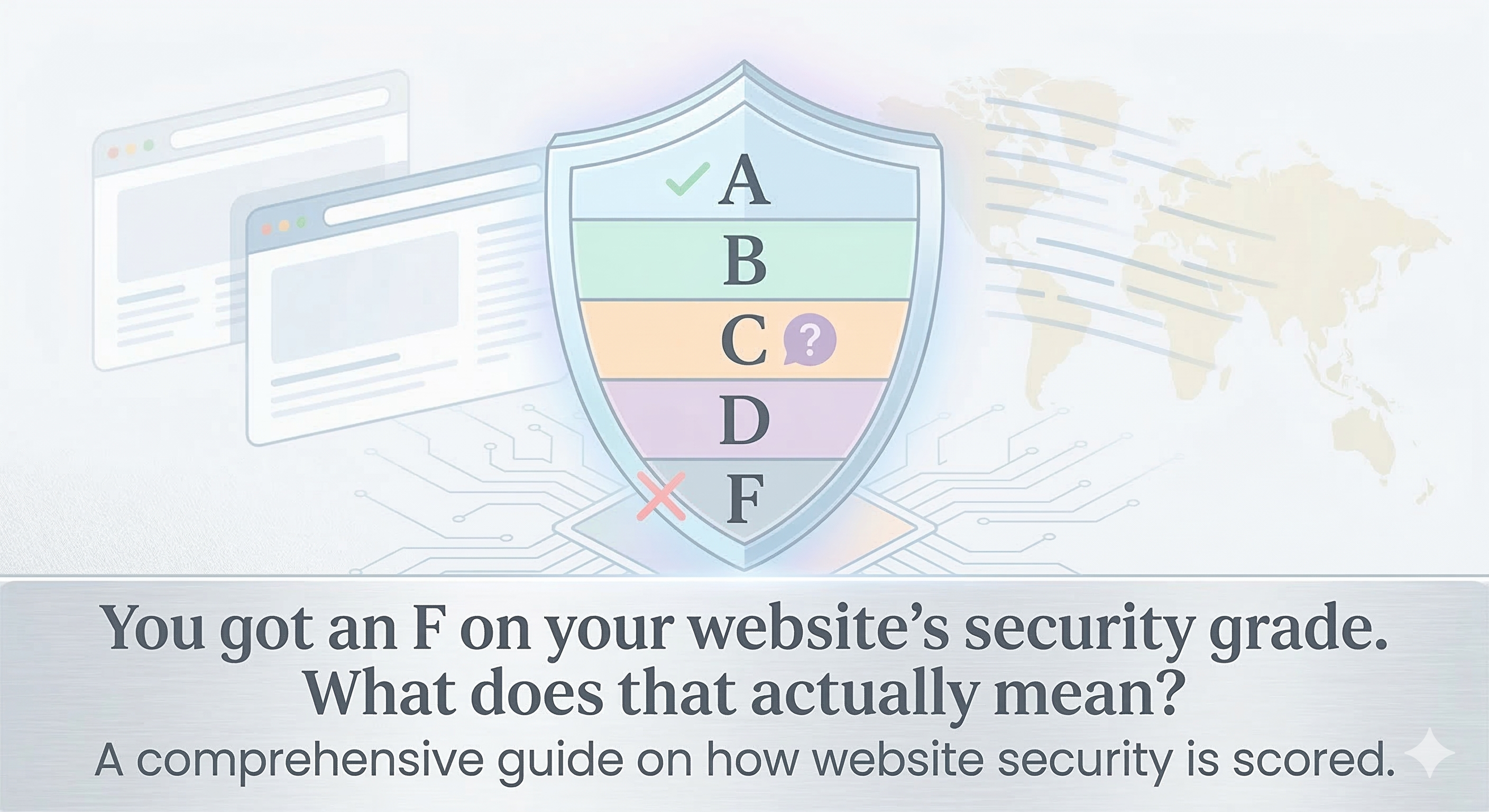
A website security grade is a summary score (A–F, like school grades) that represents how well a domain is configured to defend against common attacks. It's based on concrete measurements: SSL/TLS strength, HTTP security headers, DNS configuration, server hardening, and the absence of known vulnerabilities.
Unlike vague metrics like "risk score," a security grade tells you exactly what's wrong and how to fix it. An A-grade domain has configured its security correctly. An F-grade domain is an open door.
How Is Security Grade Calculated?
Security grading evaluates five core areas:
1. SSL/TLS Certificate (25%)
This measures the strength of your HTTPS encryption:
- A: TLS 1.2 or higher, modern ciphers (TLS_ECDHE_*, TLS_AES_*), certificate issued by recognized CA, no self-signed certs
- B: TLS 1.2, acceptable ciphers, minor expiration concerns (cert expires in <30 days)
- C: TLS 1.1 still accepted, legacy ciphers allowed, or expired cert
- D: TLS 1.0 or SSLv3 enabled, weak ciphers like RC4 or DES
- F: No HTTPS, self-signed cert, or certificate not trusted by browsers
2. HTTP Security Headers (25%)
Security headers send instructions to browsers on how to handle your site:
- Content-Security-Policy (CSP): Restricts what scripts, stylesheets, and images can load. Prevents XSS and clickjacking. Required for an A-grade site.
- Strict-Transport-Security (HSTS): Forces browsers to always use HTTPS, never HTTP. Prevents downgrade attacks. Grade upgrade: B→A if configured for >1 year.
- X-Frame-Options: Prevents clickjacking by forbidding the site from being embedded in an iframe. Grade impact: C→B without it.
- X-Content-Type-Options: Prevents MIME type sniffing. Tells browsers to trust the Content-Type header. Grade impact: B→C without it.
- X-XSS-Protection: Legacy header for older browsers (mostly obsolete, but still checked).
Sites missing all of these headers typically score a C or D. Sites with CSP + HSTS + X-Frame-Options score a B. A-grade sites have all five configured correctly.
3. Server & Infrastructure (20%)
This evaluates how your server is configured:
- Outdated frameworks or server software: Apache 2.2 (end-of-life since 2017) → downgrade from A to C
- Directory listing enabled: Attackers can browse your file structure → downgrade to D
- Default credentials or info disclosure: Server headers revealing sensitive info (nginx/1.14.0) → downgrade from A to B
- Rate limiting configured: Protects against brute-force and DoS → upgrade from B to A
- Security.txt present: Allows security researchers to report vulnerabilities → upgrade score
4. DNS Configuration (15%)
Misconfigured DNS is a major attack vector:
- DNSSEC enabled: Prevents DNS hijacking. Required for A-grade. Without it: B grade maximum.
- Dangling DNS records: CNAME pointing to a deleted CloudFront or Heroku deployment. Allows subdomain takeover → downgrade to D or F.
- Zone transfer misconfiguration: Allows attackers to download your entire DNS zone → downgrade to F.
- SPF/DKIM/DMARC for email: Prevents email spoofing. Grade impact: C→B if configured, B→A if all three are correct.
5. Known Vulnerabilities (15%)
This checks for public CVEs in your software stack:
- No known CVEs: A-grade candidate
- 1–2 low-severity CVEs: B grade (patch these within 30 days)
- 3+ low-severity OR 1+ medium-severity CVE: C grade (patch immediately)
- 1+ high-severity CVE: D or F grade (critical-your site may be actively exploited)
What Each Grade Means
A Grade: Your security is well-configured. You're meeting or exceeding industry best practices. Continue monitoring for new vulnerabilities and SSL certificate expiration.
B Grade: You're mostly secure, but there are gaps (weak headers, aging framework, DNSSEC not enabled). Fix these in the next 30 days.
C Grade: You have significant security weaknesses. Your site is vulnerable to known attack vectors (XSS, clickjacking, MITM). Remediate within 1 week.
D Grade: Your site is dangerous. You're likely exposed to active exploitation. Fix immediately-consider taking the site offline until patched.
F Grade: Your site is critically vulnerable. You should assume it's already been compromised. Treat this as a security incident.
How to Improve Your Security Grade
Quick Wins
- Add security headers: CSP, HSTS, X-Frame-Options
- Check SSL/TLS certificate expiration and renew if needed
- Disable directory listing in web server config
- Set up SPF/DKIM/DMARC for email authentication
Medium Effort)
- Enable DNSSEC on your domain registrar
- Patch low-severity CVEs in your web framework
- Remove outdated software and libraries from your server
- Configure rate limiting to protect against brute-force attacks
Longer Term (ongoing)
- Implement continuous vulnerability scanning (SAST/DAST)
- Set up certificate monitoring and auto-renewal
- Schedule monthly security audits
- Train your team on secure development practices
Tool Recommendations
- SSL/TLS Testing: ssllabs.com/ssltest (free, industry standard)
- Security Headers: securityheaders.com (free, shows missing headers instantly)
- DNS/DNSSEC: dnschecker.org, mxtoolbox.com
- CVE Scanning: Snyk, Trivy, Grype (free versions available)
- Comprehensive Grade: ProtectorNet's Security Grade audit checks all five areas and gives you an A–F score with actionable remediation steps.
ProtectorNet's A–F Security Grade
ProtectorNet calculates your security grade on-demand, giving you an A–F score and a plain-English report showing every vulnerability, how exploitable it is, and exactly how to fix it. Run your free security grade audit today.